


£ 10.99

Sponsored links
|
|
£ 10.99 |
To Shop
|

|
£ 10.99 |
To Shop
|
| COMPARE ALL WEBSHOPS (2) | ||
 Description
Compare webshops (2)
Sponsored links · Some shops pay us a fee
£ 10.99
£ 10.99
Shops with other sizes
Description
(1)
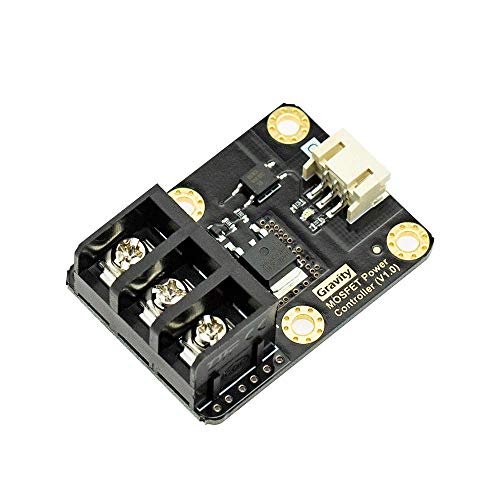
The MOSFET power controller is a module which can drive a large current device with limited current GPIO. It works as a MOSFET relay or MOSFET driver. When you give it a digital high-level signal (3.3~10V), MOSFET turns on, vice versa. The MOSFET power controller comes with a standard PH2.0-3P gravity interface. It makes the module compatible with the Arduino IO expansion shield. Plug and play, easy to use. Compare to the relay module, MOSFET power controller is compatible with Arduino Raspberry Pi, Lattepanda and other Microcontroller, supports 3.3~10V logic power control. The VIN port supports 5~36V; 0~20A power input, if the current is over 10A, we recommend an external heat sink. And MOSFET supports quick ON-OFF switch, the switching frequency arrives 1KHz. That is a good point for robot control. More tutorial (English Version) please search "product guides and documents" on this page to download. If you couldn't find it please contact with DFRobot Customer Service on Amazon.
 Related results
 Product specifications


