


£ 19.99

Sponsored links
|
|
£ 19.99 |
To Shop
|

|
£ 33.19 |
To Shop
|
| COMPARE ALL WEBSHOPS (2) | ||
 Description
Compare webshops (2)
Sponsored links · Some shops pay us a fee
£ 19.99
£ 33.19
Shops with other sizes
Description
(1)
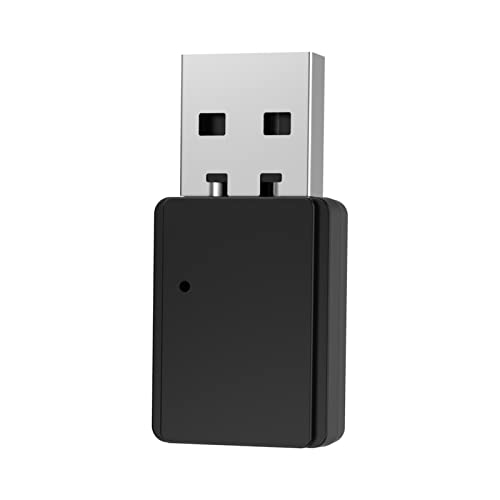
1. Plug the Earbay USB dongle into your PC/MAC/laptop USB-A port. 2.The Earbay dongle will enter the Pair mode, LED flashes Red/Blue. 3. Long press the MFB for 5 SECS to turn on the BT-68 headset and enter the Pair MODE of the headset (HEADSET LED flashes Blue/Red light). 4. Wait for 3-5 secs,Normally they would pair automatically. 5.The Earbay dongle will shows LED solid blue, and the headset will both flashing only Blue light, meaning paired successfully. 6. Click PC sound icon(on the bottom right side of Windows/Topright side of MAC), choose ‘BT-68 Dongle’. 7.IF you need to Connect with 2 devices: First pair with the Earbay dongle or your cellphone, make sure when you pair with the second device, the first device’s Bluetooth function should be turn off.
 Price History
* Price history contains no data from Amazon.
Prices were last updated on:
 Related results
 Product specifications


