


£ 17.99

Sponsored links
|
|
£ 17.99 |
To Shop
|
| COMPARE ALL WEBSHOPS (1) | ||
 Description
Compare webshops (1)
Sponsored links · Some shops pay us a fee
£ 17.99
Shops with other sizes
Description
(1)
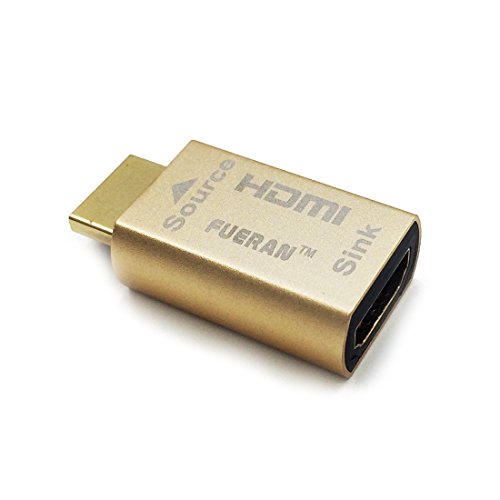
HDMI lock EDID can be used stably at 4K@30Hz, and 2K@60Hz, and can serve as a virtual monitor when it is not used. Correct order of all screens. Highest resolution 4K@60Hz and can serve as a virtual monitor when it is not used. The unerected EDID lock will restore to its unconnected situation when How to Fix PS5 120Hz Not Showing with EDID Emulator? Step1:Select Performance Mode&Disable HDCP. Step2:Rest on Resolution option.Plug the Edid emulator to PS5.If the screen is black,press X----press down(or up)----press X.This is a blind operation to adjust the resolution to 1080P.done. the wire is off.Install EDID lock screen and remain the splicing state. SUPPORT:HDMI 2.0
 Related results
 Product specifications


