


£ 14.49

Sponsored links
|
|
£ 14.49 |
To Shop
|

|
£ 14.49 |
To Shop
|
| COMPARE ALL WEBSHOPS (2) | ||
 Description
Compare webshops (2)
Sponsored links · Some shops pay us a fee
£ 14.49
£ 14.49
Shops with other sizes
Description
(1)
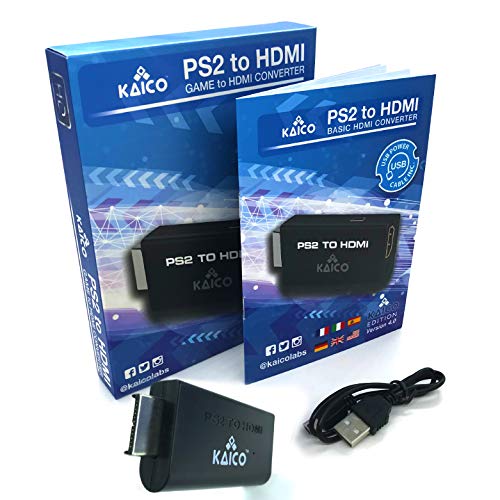
IMPORTANT SETUP – CHANGE PS2 VIDEO OUTPUT TO Y Cb/Pb/Pr (COMPONENT) - Before first use, set your PlayStation 2 display output to Y Cb/Pb/Pr (component video) in the PS2 system settings. If the console is set to RGB, you may see no image on your TV. PS2 GAMES ONLY – NOT A PS1 HDMI ADAPTER - This PS2 HDMI adapter uses the PS2’s component signal (YPbPr). It is designed for PS2 games only and does not support PS1 games. Please check compatibility before purchase. TRUE PLUG & PLAY PS2 TO HDMI ADAPTER - Connect the PS2 to HDMI adapter directly to the PS2 AV port, connect a standard HDMI cable to your TV, then power the adapter using the included Micro USB cable (via PS2 USB port or USB power source SUPPORTED PS2 RESOLUTIONS - Supports common PS2 output resolutions including 480i, 480p, 576i, 576p, and 1080i, making this a simple PlayStation 2 to HDMI solution for most PS2 titles and setups. KAICO SUPPORT & WARRANTY - Backed by Kaico with 12-month support (repair or replacement warranty). If you have any setup or compatibility questions, contact us and we’ll help.
 Related results
 Product specifications


