


used £ 49.99

Sponsored links
|
|
£ 49.99 |
To Shop
|

|
£ 49.99 |
To Shop
|
| COMPARE ALL WEBSHOPS (2) | ||
 Description
Compare webshops (2)
Sponsored links · Some shops pay us a fee
used £ 49.99
used £ 49.99
Shops with other sizes
Description
(1)
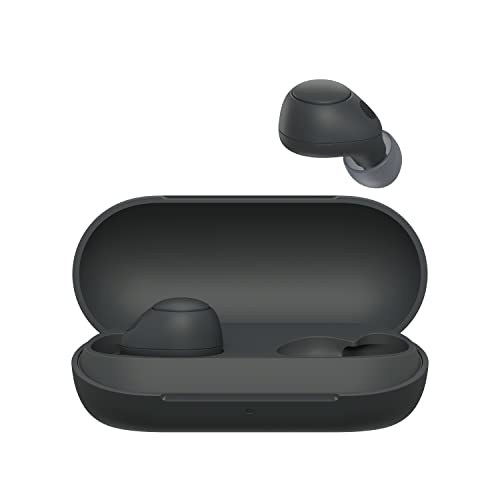
Initial Pairing First-Time Use: Remove both earbuds from the charging case. They automatically enter pairing mode (the indicator will flash blue, and you will hear "Pairing"). Pairing a Second Device: Place both earbuds in the case and keep the lid open. Press and hold the pairing button on the back of the case for about 5 seconds until the indicator flashes blue. Connection: On your smartphone or PC, go to Bluetooth settings and select "WF-C700N" to complete the connection.
 Related results
 Product specifications


