


£ 29.99

Featured
|
|
£ 29.99 |
To Shop
|
| COMPARE ALL WEBSHOPS (1) | ||
 Description
Compare webshops (1)
£ 29.99
Shops with other sizes
Description
(1)
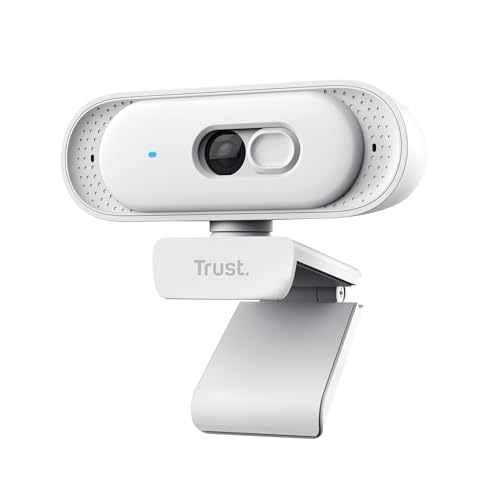
SEE AND BE SEEN – This 2K QHD webcam features 2560x1440p resolution at 30 fps with fixed focus and an integrated microphone, making it perfect for video calls, streaming, and content creation YOUR PRIVACY, COVERED – The Ovala's built-in privacy filter gives you instant peace of mind. Simply slide the physical shutter closed to ensure complete privacy whenever you need it WIDE VIEW, CLEAR YOU – This webcam's 75° field of view captures more of your space, while Digital Noise Reduction image processing ensures you look sharp in any lighting. Ready for your close-up? A FAB FIT – The Ovala goes wherever you want it to. Universal placement options and an integrated ¼" thread mean you can clip it to your monitor, mount on a tripod, or place on your desk – easy! NO SETUP, NO STRESS – Get going in seconds thanks to this webcam's easy setup. Simply plug in via the USB-C or USB-A connection and get ready to start your video call or stream with zero hassle
 Related results
 Product specifications


